Notes
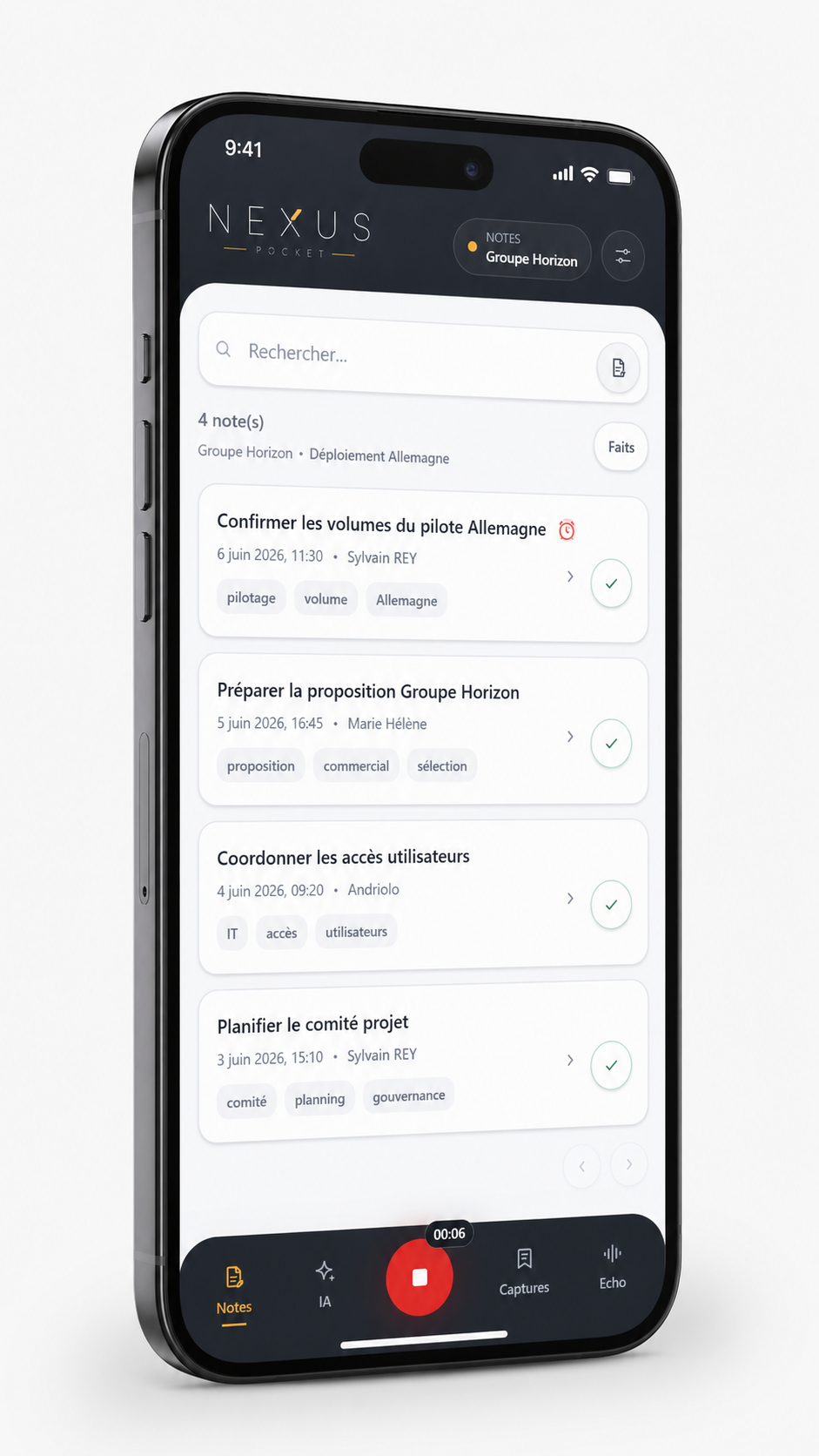
Capture information immediately using voice or text.
A note can receive an attachment or reminder and can be moved to another authorized destination. Voice notes are transcribed and become usable work objects.

NEXUS POCKET
Capture an idea, save a resource, make sense of a meeting or retrieve useful information from your phone. Nexus Pocket keeps employees connected to company data and knowledge when work continues away from their desk.
WORK CONTINUES
A decision happens during a meeting. An idea comes up after a customer visit. A document arrives by email. A useful page is found while using a phone.
Without continuity with company systems, these pieces of information often end up in personal notes, screenshots, messages to oneself — or simply get forgotten.
Pocket makes them easier to capture, retrieve and reuse while work is happening.
01
What happens while work is happening.
02
Useful company information.
03
Turn information into a useful next step.
04
Prepare actions under human control.
CAPTURE
Pocket supports two complementary uses.
Capture information immediately using voice or text.
A note can receive an attachment or reminder and can be moved to another authorized destination. Voice notes are transcribed and become usable work objects.
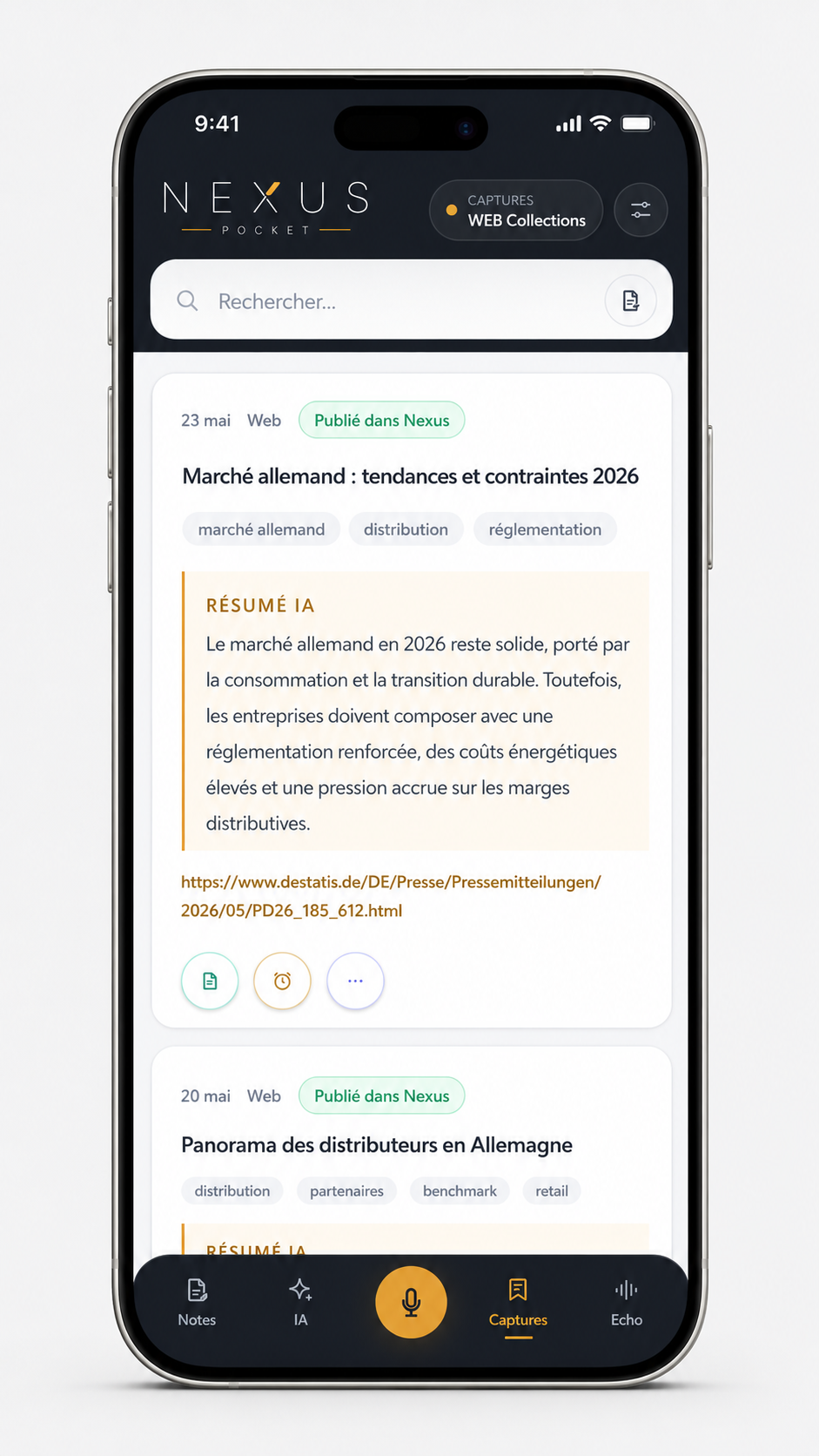
Add a web page, PDF, document, shared text or compatible image to the company knowledge environment.
Pocket extracts usable content, can generate tags and a summary, and publishes the resource to the selected destination so it can later be retrieved and queried.
A Note is a work object. A Capture enriches company knowledge.
RETRIEVE
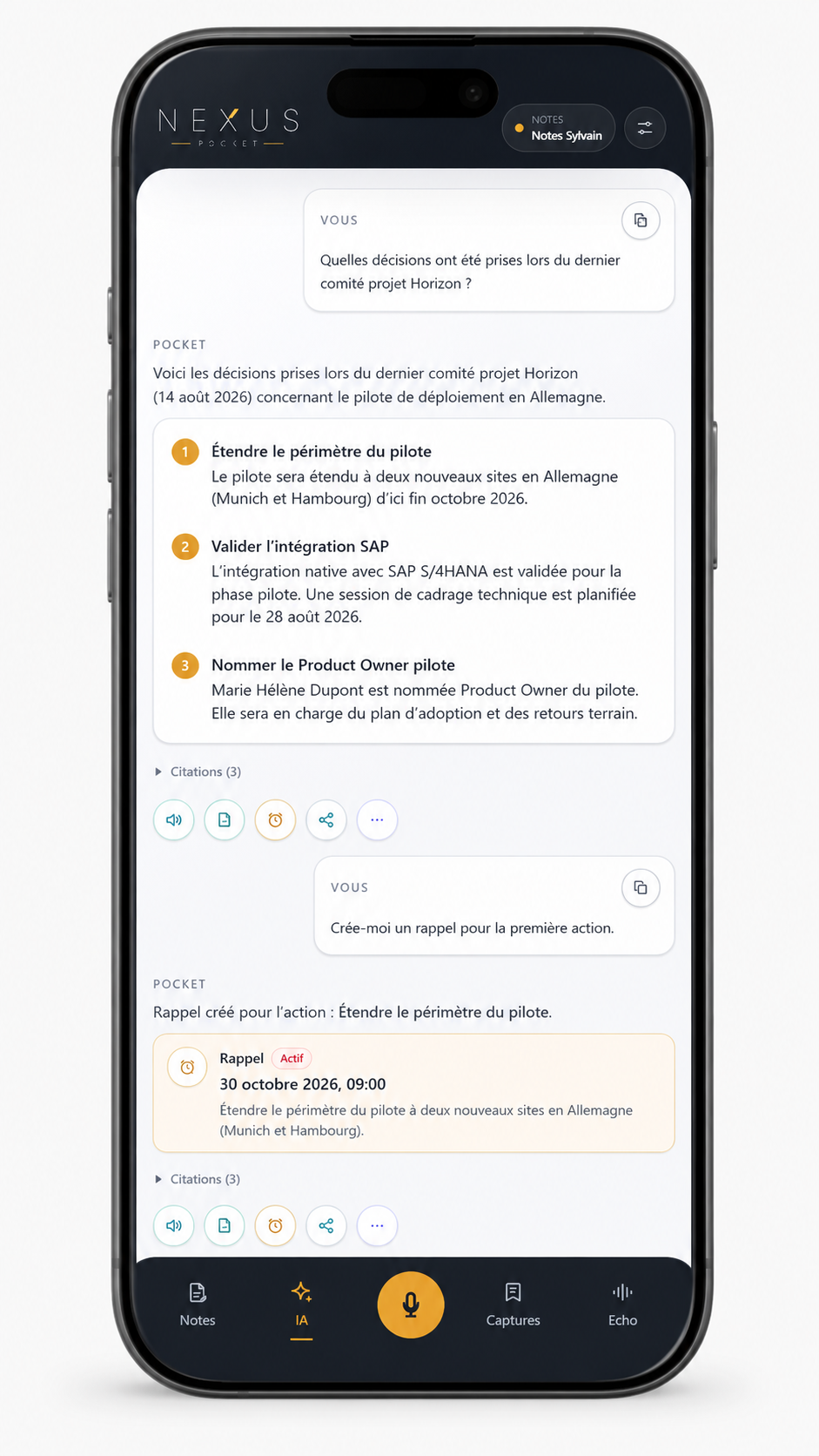
Ask a question by text or voice. Pocket searches the information you are authorized to access and returns an answer you can read, listen to or explore further.
A response can then become a note, a reminder or the starting point for another action.
ECHO
Record a meeting from Pocket or import a compatible audio file. Echo transcribes and structures the conversation into:
The result can then be reviewed, queried and turned into notes or reminders.
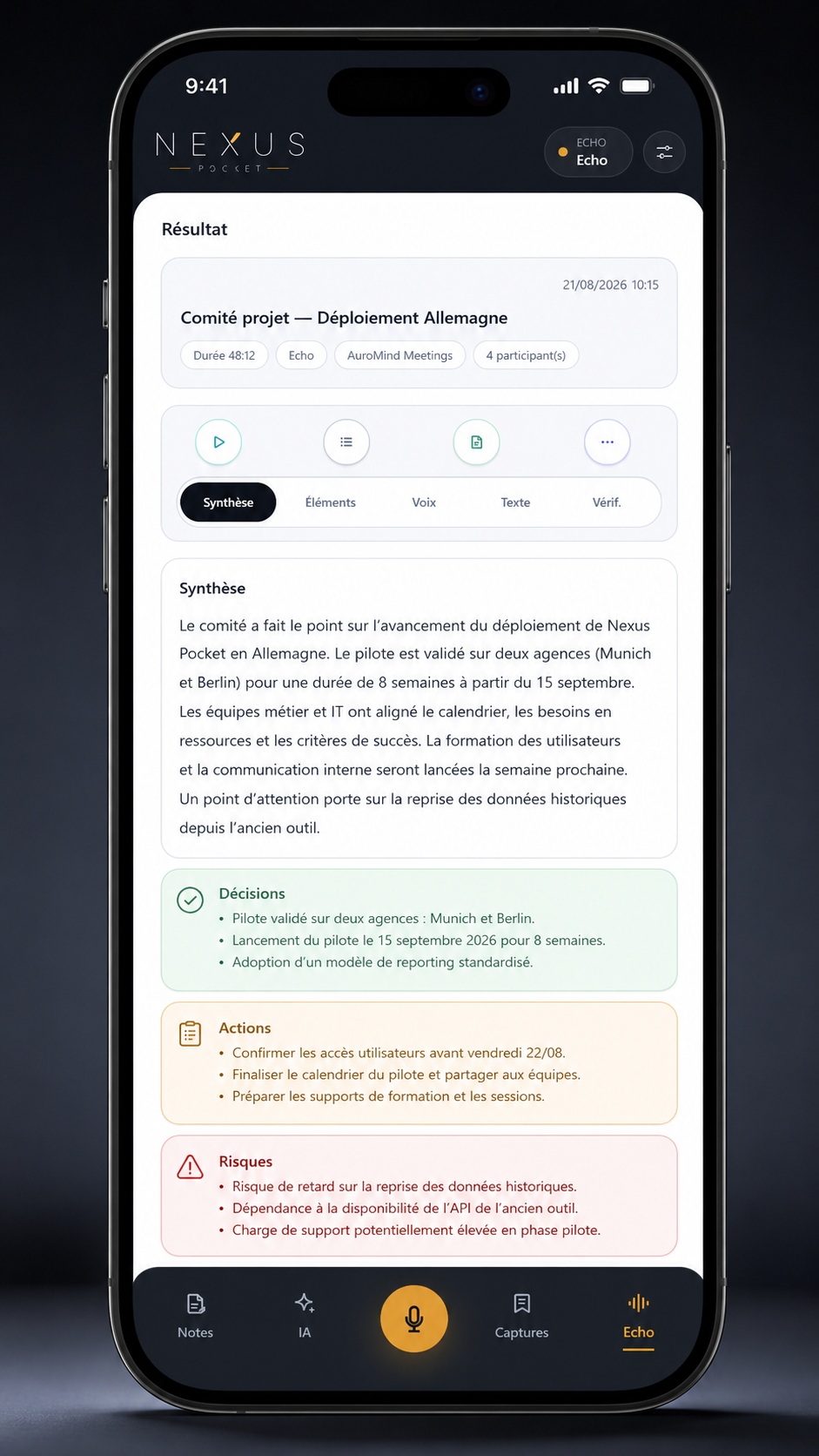
Pocket does not create a separate document repository for Echo. Capitalized information joins the company’s Nexus environment and remains usable alongside other authorized knowledge.
The original Echo audio is retained for seven days. The transcript, summary and structured data remain available after the audio is purged.
TRANSFORM
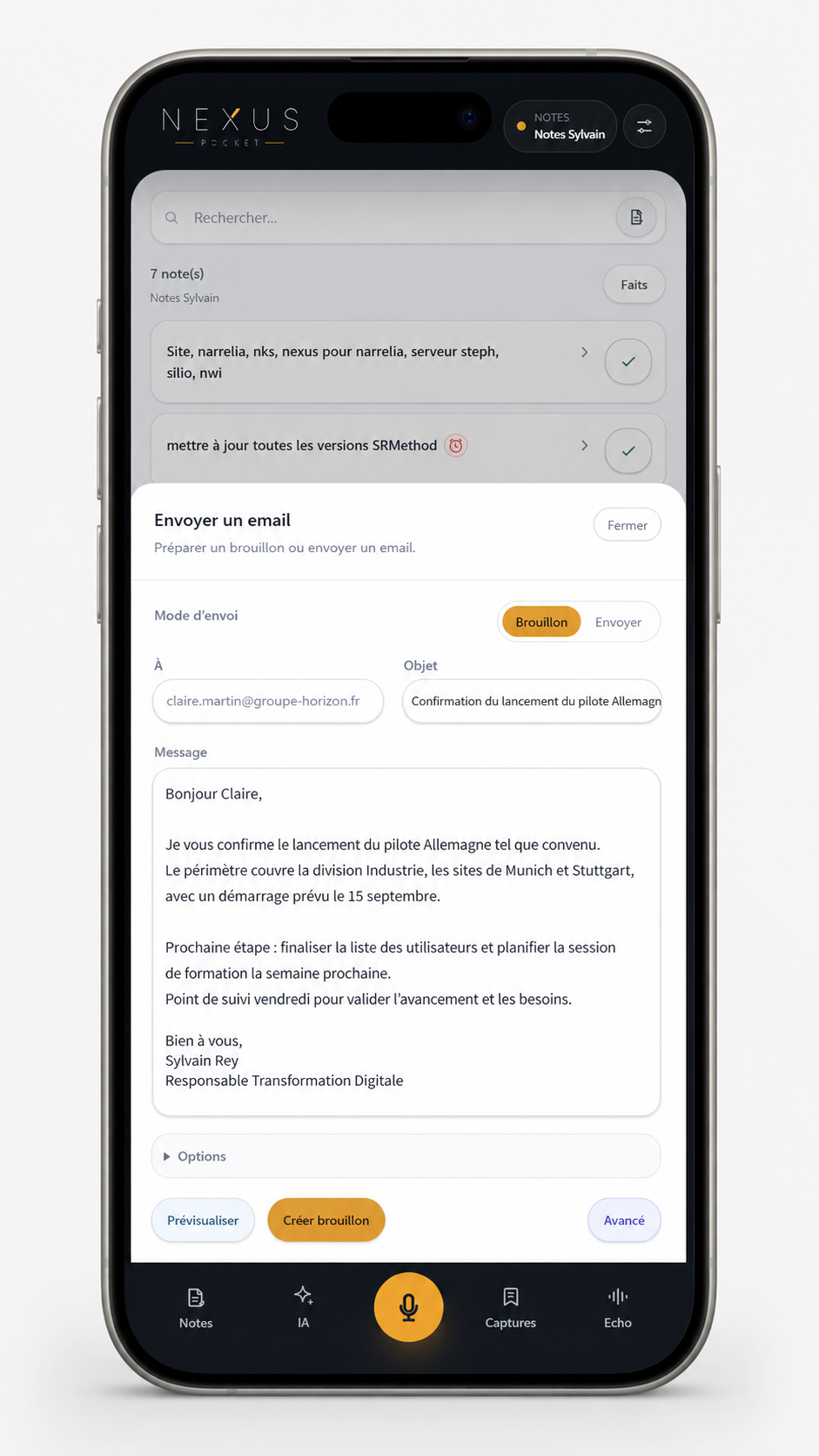
From a note, capture, Assistant response or Echo item, Pocket can create reminders or prepare an external action.
ACT UNDER CONTROL
When the relevant integrations are configured, Pocket can prepare a Gmail message or a Google Calendar event. The action remains under user control.
AI prepares. The user decides.
CONTROL
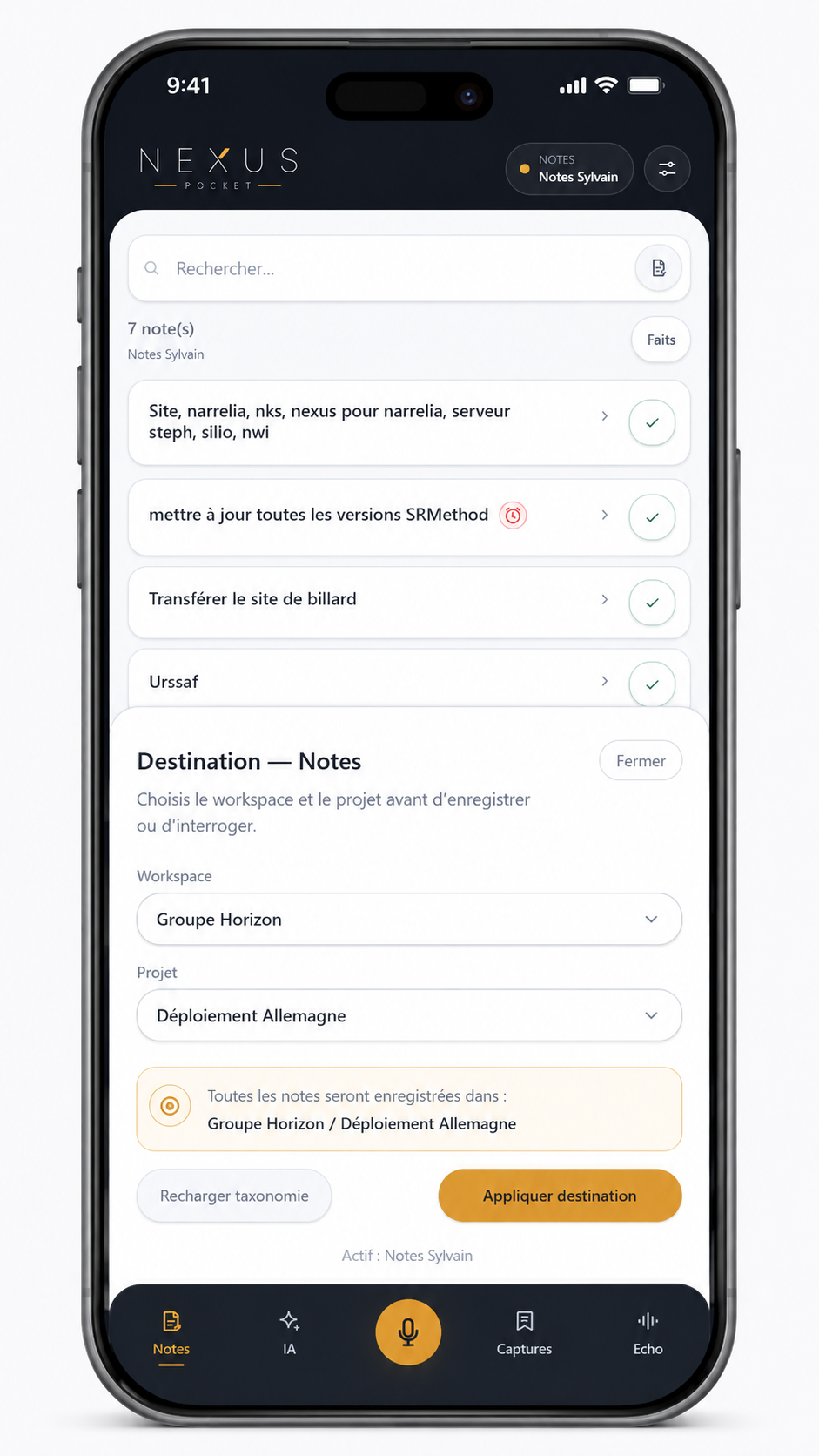
Pocket remains connected to the permissions, spaces and projects defined in the company environment. Each major function can maintain its own context: Notes, Assistant, Captures and Echo.
Users therefore control where information is published and which scope the Assistant searches.
Visible spaces depend on the user’s permissions.
Notes, Assistant, Captures and Echo can use different workspaces or projects.
No external email or calendar event is executed without human validation.
NEXUS
It extends the existing knowledge environment into mobile workflows. Nexus provides this continuity.
MOBILE-FIRST
Nexus Pocket is a mobile-first Progressive Web App. It runs in a compatible browser, can be added to the home screen and can open as a standalone application.
Depending on the mobile environment, it can also receive content through compatible system sharing features.
Nexus Pocket is not a native App Store or Google Play application and is not presented as a fully offline product.
Have another question? Write to us and we’ll get back quickly.
Let’s look at your employees’ mobile workflows and how Nexus Pocket can extend their work environment without creating another isolated information source.